
Rainbow Bear Kindergarten Graphing Activities
We LOVE Rainbow Bears!! And I am so excited to bring our love for Rainbow bears to these new kindergarten graphing activities for Google Slides. This count and graph Google Slides activity is a fun way to learn about graphing with your kids. And what better theme than the long-treasured rainbow bears?
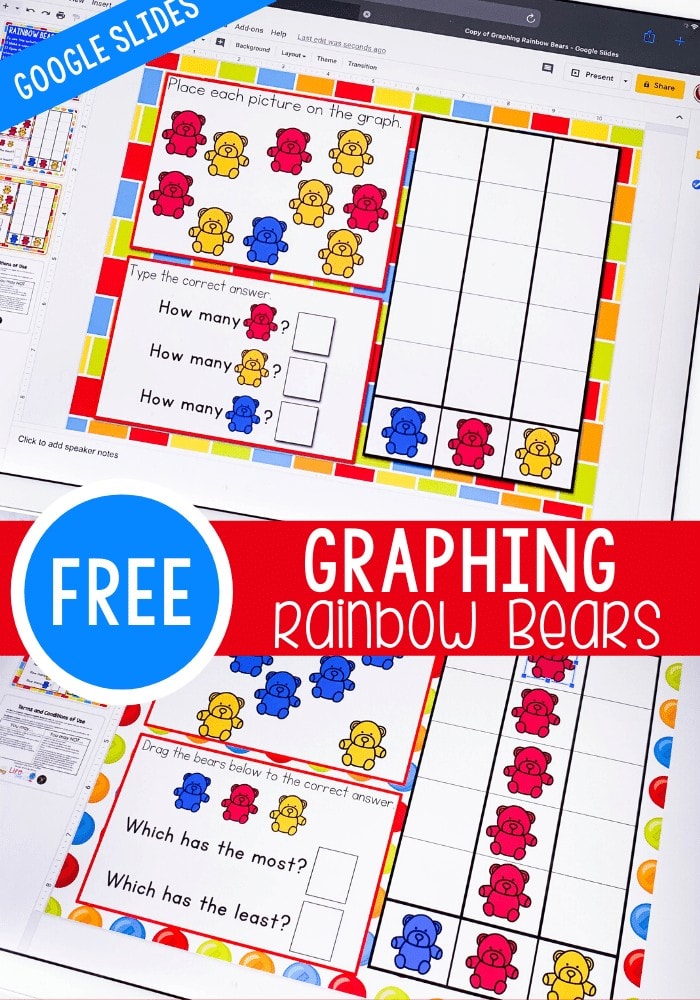
Recommended Grade Level:


Rainbow bears were probably the very first math manipulative that I ever bought. We have used them SO many ways over the 13 years that we’ve been doing preschool and kindergarten level activities at our house. From sorting colors with my oldest daughter to this new graphing activity with my youngest daughter they have definitely been our MOST used math manipulative.
Check out some of the awesome Rainbow Bear themed Activities for Kindergarten and Preschool here on Life Over C’s.
Rainbow Themed Kindergarten and Preschool Activities
- Rainbow Bear Graphing Printable
- Rainbow Bear Dice Counting Game
- Rainbow Bear Color Matching Game
- Size Order Rainbow Bear Activity
- Rainbow Bear Counting Cards
Rainbow Bears are perfect for SO many different kindergarten and preschool math activities.
These Rainbow Bear picture graphs are just one of the few ways to use them.
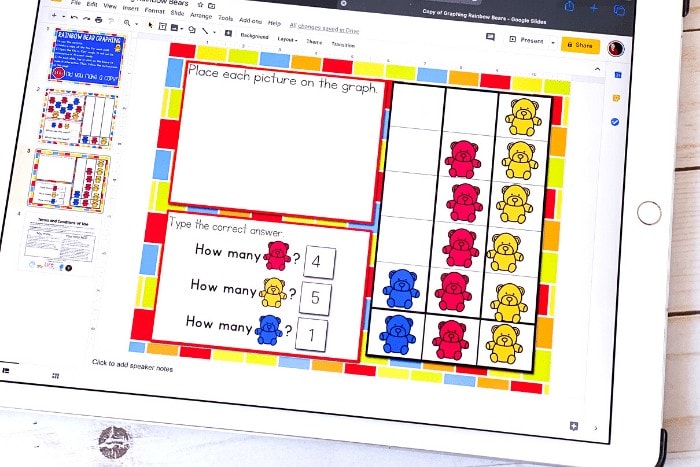
Graphing for Kindergarten
What Skills Does this Kindergarten Graphing Activity Cover?
Well, the obvious answer would be, “Graphing.”
But beyond graphing this Google Slides activity covers the following skills:
- Sorting by color
- Interpreting the data
- Organizing data on a graph
- Using the terms “most” and “least”
- Counting
Additional Graphing Ideas for Kindergarten
Kindergarteners are naturally curious and it’s easy to use that curiosity to learn about graphing.
Start by drawing a graph on a paper, choose a topic to research like favorite drink, favorite color, type of pet or something similar that the kids are interested.
Then, have them ask friends or family members to answer the question and record the data on their graph.
You can also make use of these printable graphing activities:
- Fruit Themed Graphing Game
- Colored Shoe Graphing Game (perfect for Pete the Cat lovers!)
- Australian Animal Graphing
- 2D Shape Graphing Game
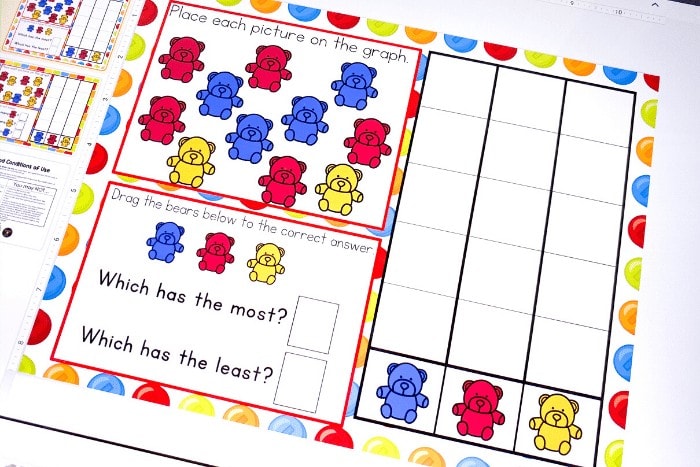
Using the Google Slides Rainbow Bear Graphing Activity
To use the activity your children will simply tap the rainbow bears and drag them onto the graph and then answer the questions on the page.
How to Get the Activity
- Enter your email below and then check your inbox to get the activity.
- When you open the file you can click on the format that you prefer to use: Google Slides®, Seesaw® or upgrade to self-checking Boom Cards®.
- If you are downloading the Google Slides version you will be prompted to “Make a copy”. This is an important step you need to complete to make sure you get an editable version to share with your students!
- In Slides, make sure you are in “Edit” mode, as opposed to “Present” mode. You will see the “Present” button in the upper right-hand corner.
- In Slides, just click on the symbol box to highlight it in blue and drag it when the cursor resembles a plus sign with an arrow on each end.
- If you choose the Seesaw version, click the Seesaw image to instantly add it to your Seesaw library.
- Use the Text tool (click on the large T) to be able to highlight each symbol to move it.
- To upgrade to self-checking Boom Cards®, click on the image in the download PDF to purchase the deck to use with your students.
- Or check out the Apple Counting Self-Checking Boom Cards® here!
- Finally, if you choose self-correcting Boom Cards, remember you must be connected to the Internet in order for the cards to work.
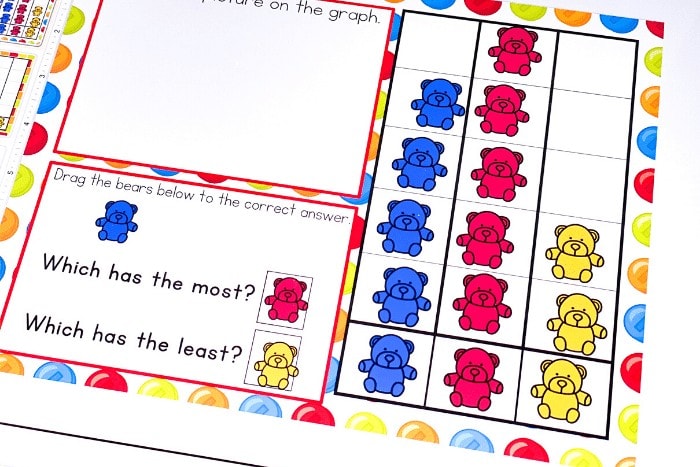
Once, you make a copy, you will also want to make a copy for each of your students. Save one master copy for yourself in a safe folder on Google Drive.
Then, you can send the files to your students!
The kids can open the file and start using the activity right away. It will open in ‘edit’ format and should stay that way. If the ‘present’ button is accidentally clicked, the file will not be interactive and must be switched back to ‘edit’ mode.
To use the graphing activities, the kids will tap and drag the rainbow bears to make the screen interactive.

Join the I Teach Too Newsletter and Get Your Activity


thank you
Another amazing resource Kim. Thank you for making life easy for so many of us by sharing your treasures so kindly.😍😍😍😍
Awesome! Thank you.
Your digital hands on activities are fantastic and a life saver! Thanks so much:)
I would just like to thank you for sharing so many amazing activities with us! You have saved me so much time and money! These are awesome!
Thank you and God bless!
Thank you for sharing.