
CVC Words Short Vowel “O” Google Slides
I love integrating technology into learning! Honestly, my daughter is a little bit obsessed with our iPad and any way that I can get her to use it for learning instead of watching cartoons is a win in my book. That’s why I’m so excited to share this new CVC Word Family ‘O’ Google Slides activity with you! It’s such a great way to work on CVC Words with your kindergarteners!

Recommended Grade Level:


Using Google Slides for Learning
Using Google Slides for education is super easy. Seriously, I learned how in a matter of minutes.
So, even if you’ve never used Google Slides before, you can start using them with your kids today.
The first step is to sign into your Google Drive or Google Classroom.
Then, download the resource at the end of this post. The file delivered to your e-mail contains the link for the Google Slides file. When you click on the link, it will ask you to “Make a Copy” before using the activity.
PLEASE NOTE: You must make a copy, otherwise you will be changing the master file for everyone.
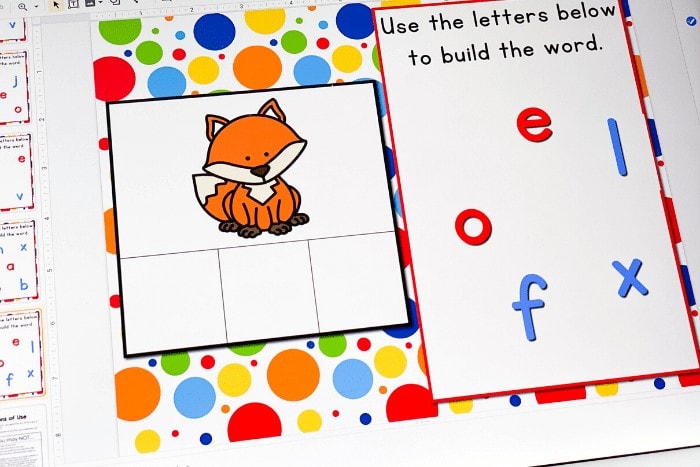
Once, you make a copy, you will also want to make a copy for each of your students. Save one master copy for yourself in a safe folder on Google Drive.
Then, you can send the files to your students!
The kids can open the file and start using the activity right away. It will open in ‘edit’ format and should stay that way. If the ‘present’ button is accidentally clicked, the file will not be interactive and must be switched back to ‘edit’ mode.
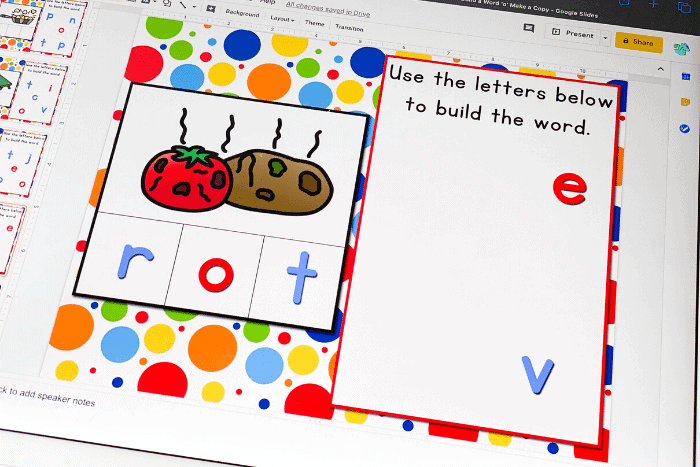
To use the CVC Word Building activity, the kids will choose the correct letters for each word, tap and drag the letters to the word box to build the word.
Super simple and perfect for little learners who are learning to navigate both reading and technology!
And perfect for teachers who have found themselves in need of activities that don’t require printing.
CVC Word Family Activity for Kindergarten
After kindergarteners learn the alphabet, CVC words are their next step! I think it is so fun introducing CVC Word Families to kindergarteners because they are part of the essential foundation of learning to read.
Watching kids read a real word for the first time is simply magical!
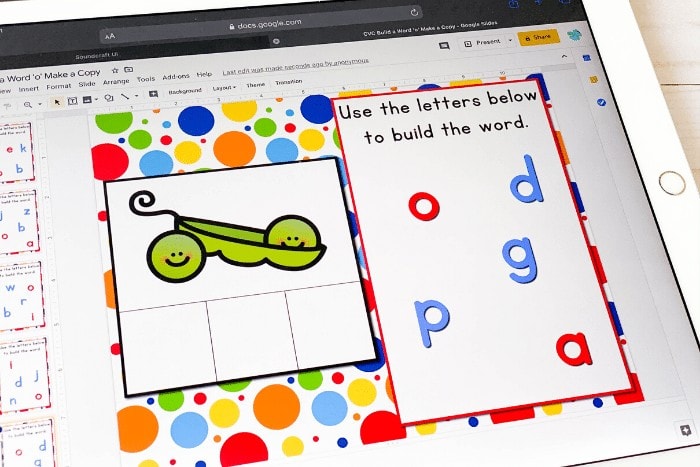
CVC words give a good chance to review letter sounds while still making kids feel successful by building short vowel words.
This CVC Word Building Google Slides activity for the “O” word families is a great place to start. I bet they’ll ask to do it more than once! You can provide a fresh unused copy of the file and the kids can practice over and over.
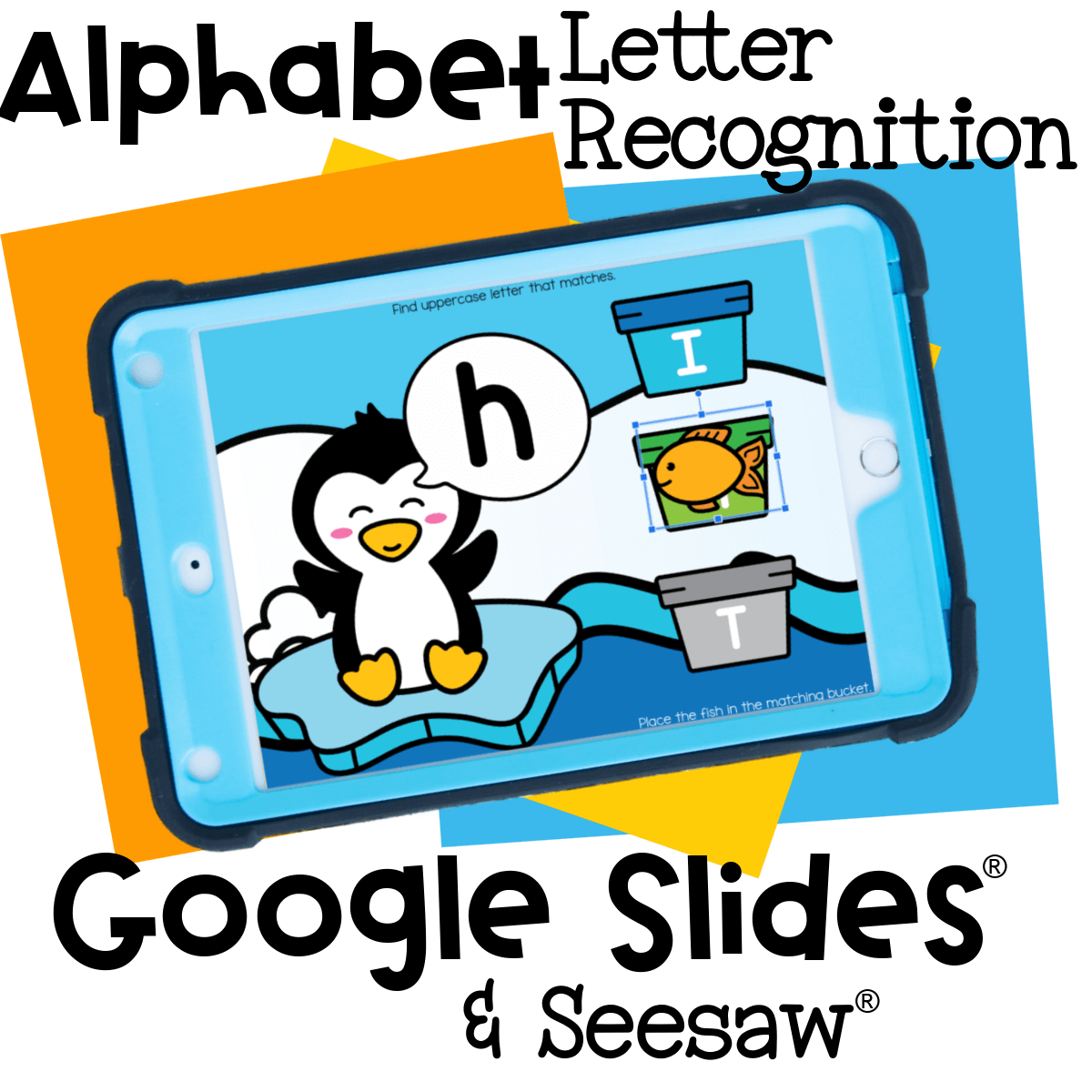
Easy to Use on Google Slides™, Seesaw™ or Boom Cards™
Whether your class is 100% digital, hybrid, or you just want to give your math center a fresh seasonal twist, this ice cream ten frame activity is ready to go.
Here’s how to get started:
Google Slides™ version: Students drag the letter images onto the ten frame, trace the number with their finger or stylus, and count aloud as they go.
Seesaw™ version: Just assign the activity and let your students work directly in the app—they’ll trace, drag, and drop flowers right into place.
Boom Cards™ upgrade: Want a self-checking option? The Boom Cards version gives instant feedback and is great for independent practice or progress monitoring!
How to Get the Activity
- Enter your email below and then check your inbox to get the cvc word building activity.
- When you open the file you can click on the format that you prefer to use: Google Slides®, Seesaw® or upgrade to self-checking Boom Cards®.
- If you are downloading the Google Slides version you will be prompted to “Make a copy”. This is an important step you need to complete to make sure you get an editable version to share with your students!
- In Slides, make sure you are in “Edit” mode, as opposed to “Present” mode. You will see the “Present” button in the upper right-hand corner.
- In Slides, just click on the symbol box to highlight it in blue and drag it when the cursor resembles a plus sign with an arrow on each end.
- If you choose the Seesaw version, click the Seesaw image to instantly add it to your Seesaw library.
- Use the Text tool (click on the large T) to be able to highlight each symbol to move it.
- To upgrade to self-checking Boom Cards®, click on the image in the download PDF to purchase the deck to use with your students.
- Or check out the Apple Counting Self-Checking Boom Cards® here!
- Finally, if you choose self-correcting Boom Cards, remember you must be connected to the Internet in order for the cards to work.
More Ways to Review CVC Words

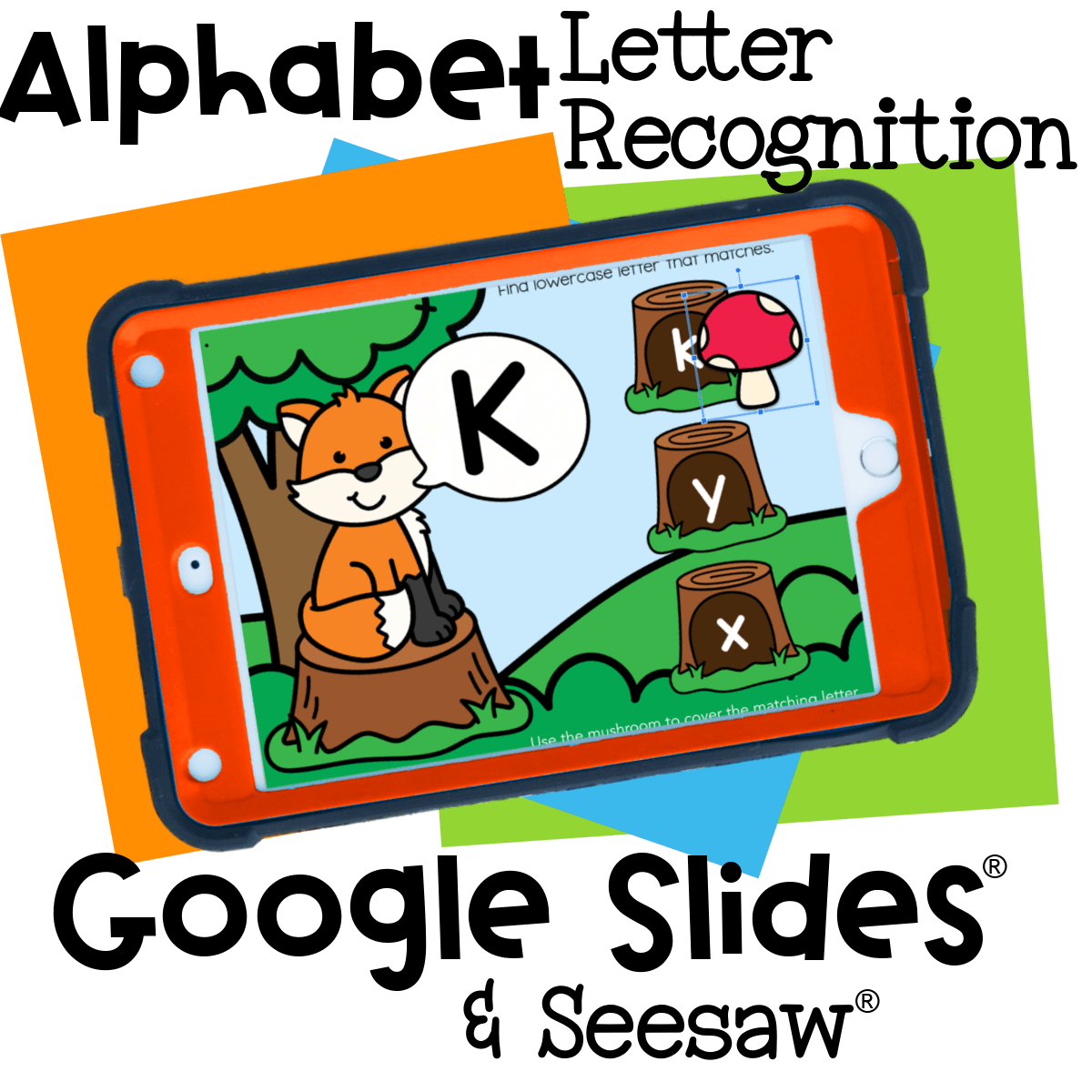


Thank you!
You’re welcome!
NO way to thank you enough!
This is exactly how we do it with letter tiles when we are at school….it is an easy transition to learning at home for kiddos!
Help! I was able to download the abc cover up, but I can’t open up the cvc short vowel ones.
I would need some more information about what you mean “I can’t open up”. Did you enter your e-mail to have them delivered to your inbox? Did you download the file from the e-mail? Did you push the “click here” button to open the file?
Thank you, Kim, it’s super helpful.
I can’t tell you how happy all this makes me!!! With having to switch from direct instruction to virtual/ distance learning within days, I truly appreciate you making materials so readily available and easy to use. They are exactly what I need.
How did you learn to create all of these wonderful Google Slides? Is there a tutorial you recommend?
I really just did a LOT of Googling for instructions, so I can’t point to one specific resource.
Fabulous! Can’t thank you enough for all these incredible resources!
Thank you
Thank you