
Digital Farm Sight Words Activities for Kindergarten
Sometimes, I like to think of learning to read as building a strong barn—you need the right tools to get the job done! Recognizing letters, mastering letter sounds, and learning farm sight words are just a few of the essential tools we can give our little learners to make reading easier and more fun.
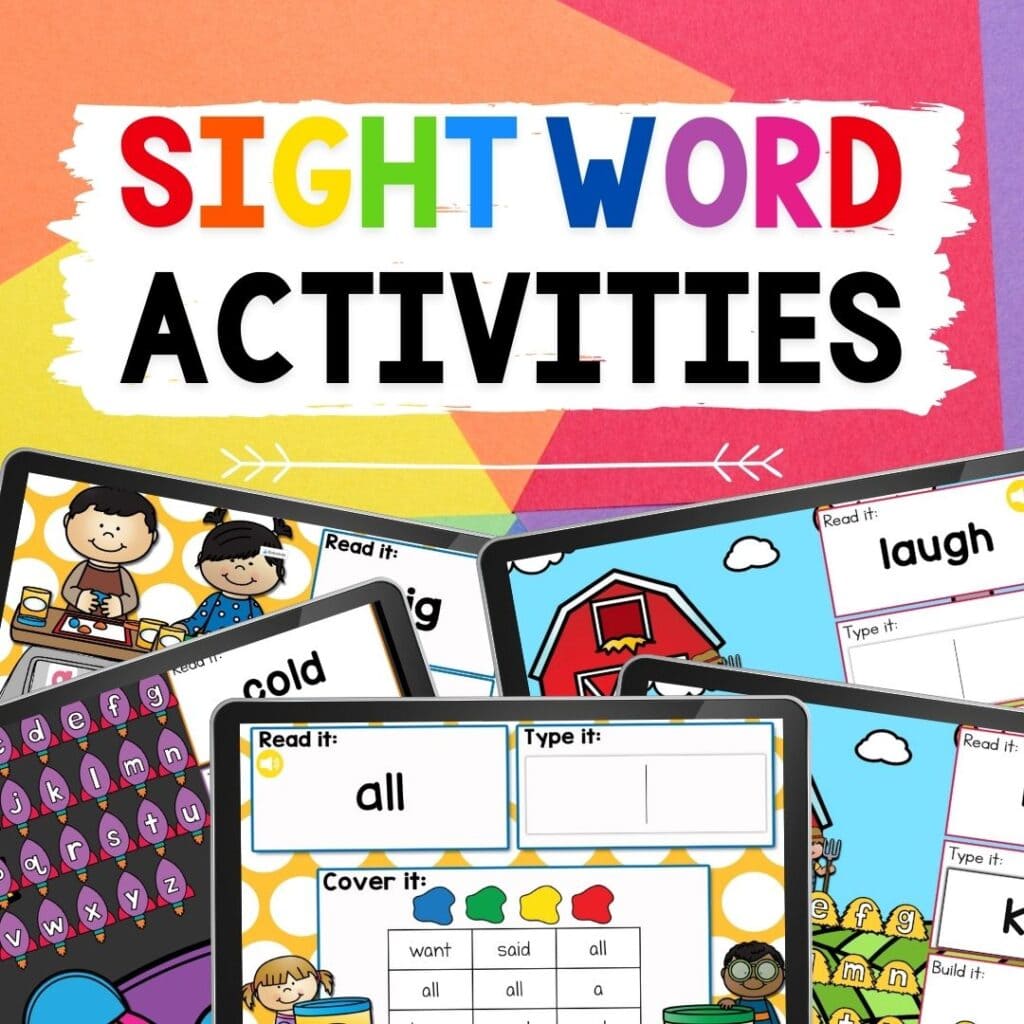
That’s where Digital Farm Theme Kindergarten Sight Word Activities come in! These interactive, engaging activities help kids practice their kindergarten sight word list while reinforcing vocabulary in a playful way. Whether they’re dragging letters to build words, matching words to pictures, or completing simple sentences, these digital activities turn sight word learning into a hands-on experience.
So, why not add some farm-themed fun to your sight word practice? Let’s build strong readers—one word at a time!
Recommended Grade Level:


This sight word freebie will go along perfectly with your farm lessons for kindergarten.
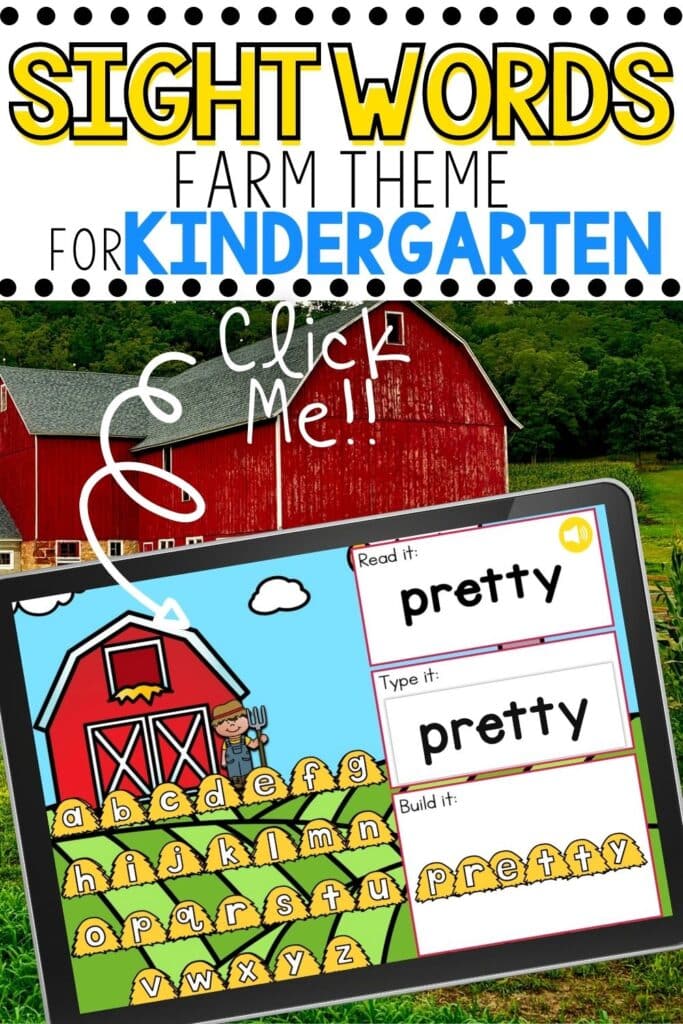
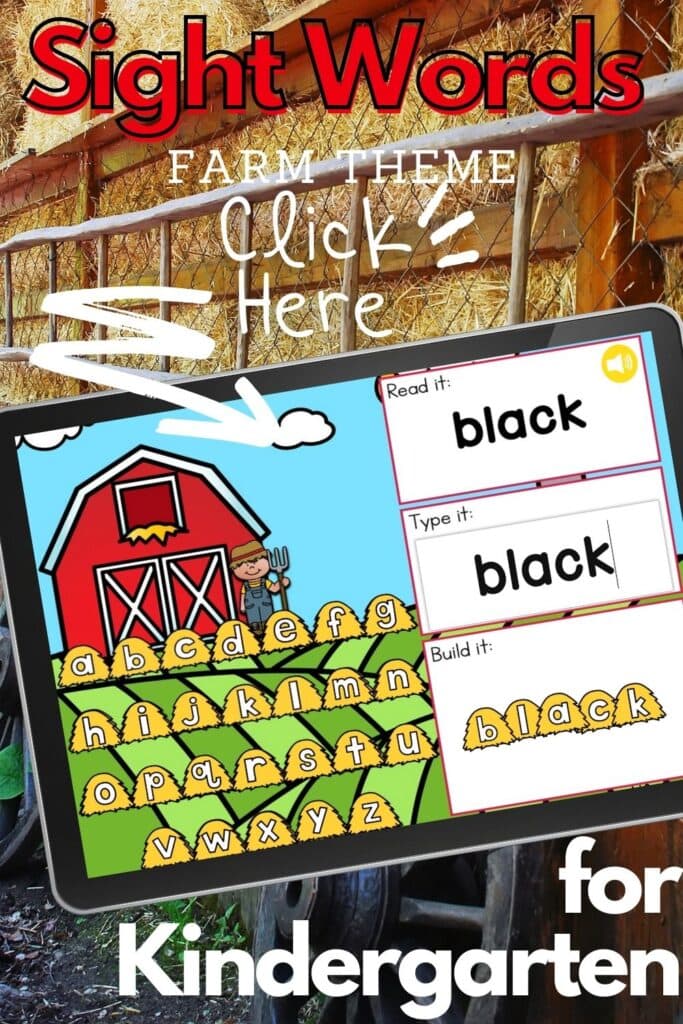
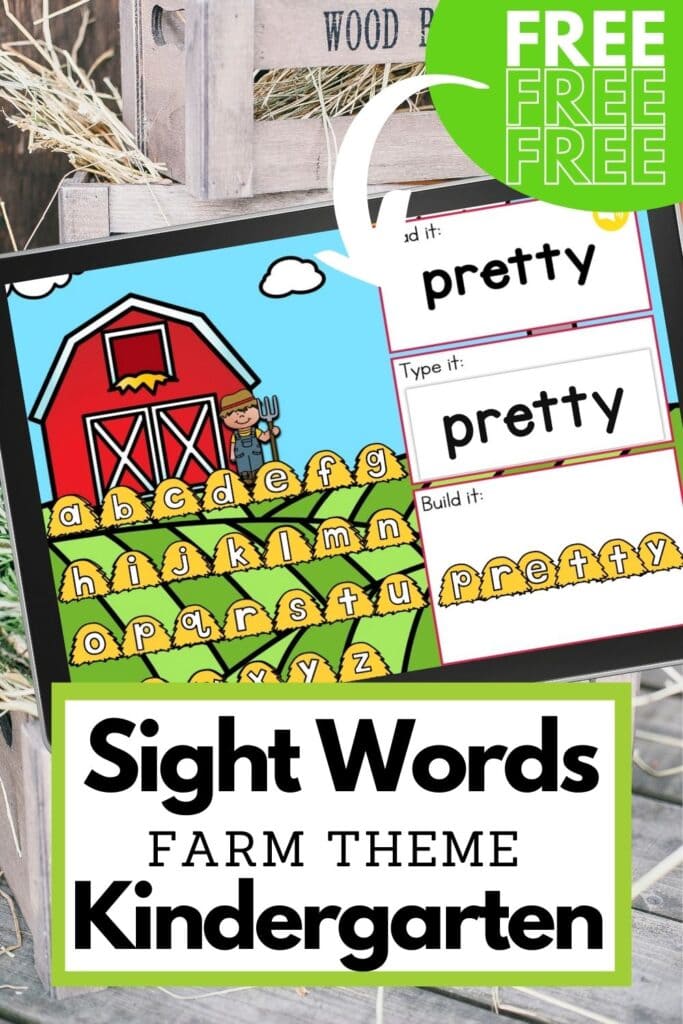
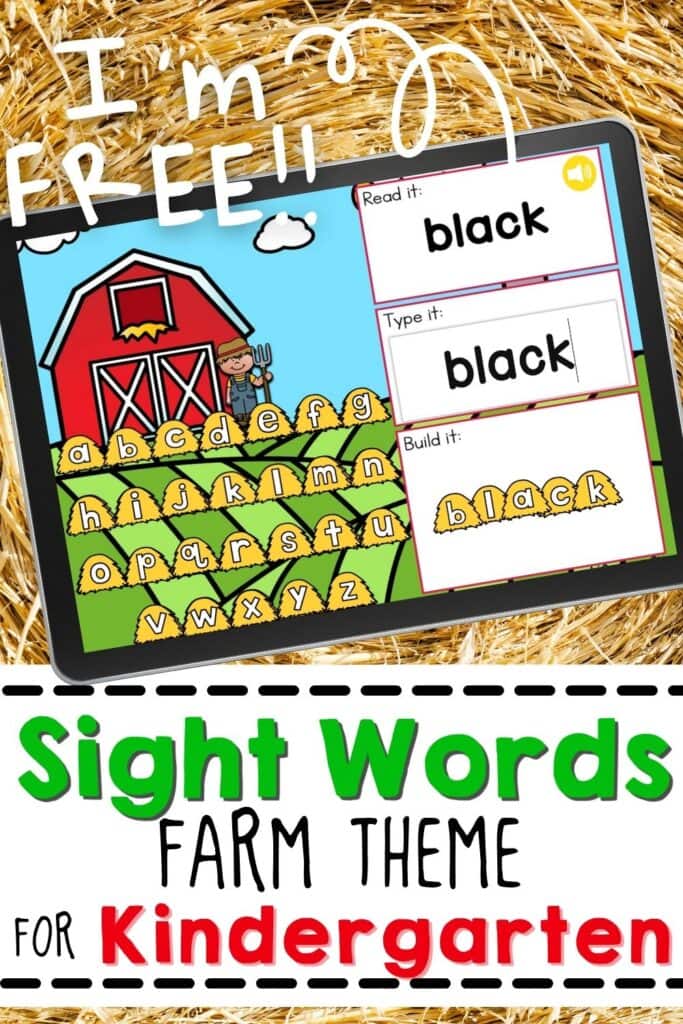
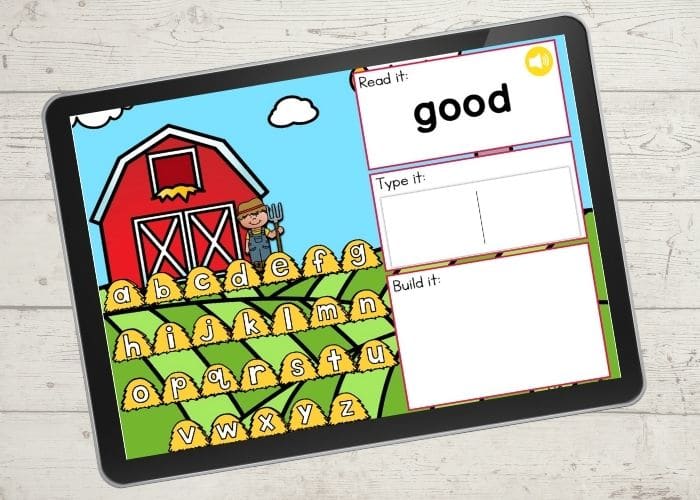
Each slide has a cute farmer, haystacks full of letters, and three ways to practice basic sight words for kindergarten.
Why Digital Word-Building is Beneficial for Kindergarteners
Sight word recognition is a crucial skill in early literacy development. Traditionally, teachers have relied on flashcards, worksheets, and hands-on activities to reinforce high-frequency words. While these methods are effective, integrating digital word-building activities through Google Slides adds an exciting, interactive dimension to sight word learning.
Here’s why digital word-building is a game-changer:
- Engagement Boost: Technology captivates young learners. The interactive features of Google Slides make sight word activities feel like a game, increasing student motivation.
- Multi-sensory Learning: Digital activities combine visual, auditory, and kinesthetic elements, helping different types of learners absorb and retain information.
- Independent Practice: Kindergarteners can work at their own pace, dragging letters, matching words, or listening to audio cues without constant teacher intervention.
- Paperless & Easily Accessible: No need for printing, cutting, or laminating! Digital activities save time, reduce clutter, and can be used in the classroom or at home.
- Customizable & Differentiated: Teachers can easily modify activities to match different skill levels, making differentiation effortless.
Teaching Kindergarten Sight Words: Making Learning Fun and Engaging!
We all know that sight word practice is key to building strong readers. The more words our little learners can recognize instantly, the smoother their reading becomes—and the more they can focus on comprehension!
Sight words help bridge the gap between decoding and fluent reading. When kids don’t have to stop and sound out every word, they can put their energy into understanding what they’re reading. That’s the goal, right?
One of the best tools we have is the Dolch Sight Word Lists, which grow with our students from pre-primer all the way through third grade. The more words they master, the more confident they feel when tackling new books!
So, how do we make sight word practice engaging? The answer: Games, hands-on activities, flashcards, and digital resources! Whether it’s a fun drag-and-drop activity in Google Slides, a matching game, or building words with letter tiles, the key is to keep it interactive and exciting.
If you’re diving into a farm theme unit, incorporating a Digital Farm Sight Word Activity for Kindergarten is a no-brainer! It’s an easy way to bring interactive, engaging, and paperless sight word practice into your classroom while keeping kids excited about learning.
How to Use This Sight Word Activity for Kindergarten (Free!)
Getting started with this digital sight word activity is quick and easy! Just enter your email address below, and you’ll receive a link straight to your inbox. Once you open the link, you’ll have the option to use either the Google Slides or Seesaw version.
How to Get the Activity
- Enter your email below and then check your inbox to get the activity.
- When you open the file you can click on the format that you prefer to use: Google Slides®, Seesaw® or upgrade to self-checking Boom Cards®.
- If you are downloading the Google Slides version you will be prompted to “Make a copy”. This is an important step you need to complete to make sure you get an editable version to share with your students!
- In Slides, make sure you are in “Edit” mode, as opposed to “Present” mode. You will see the “Present” button in the upper right-hand corner.
- In Slides, just click on the symbol box to highlight it in blue and drag it when the cursor resembles a plus sign with an arrow on each end.
- If you choose the Seesaw version, click the Seesaw image to instantly add it to your Seesaw library.
- Use the Text tool (click on the large T) to be able to highlight each symbol to move it.
- To upgrade to self-checking Boom Cards®, click on the image in the download PDF to purchase the deck to use with your students.
- Or check out the Apple Counting Self-Checking Boom Cards® here!
- Finally, if you choose self-correcting Boom Cards, remember you must be connected to the Internet in order for the cards to work.
For Google Slides:
- Continue on to another sight word slide for more interactive learning!
- Click the link and follow the prompts to “Make a Copy” of the activity.
- Once you have your copy, you can interact with the slides and share them with your students.
- Select the slide for the sight word you want to practice.
- Have your child read the word aloud or read it to them first. For extra letter recognition practice, ask them to identify the letters in the word.
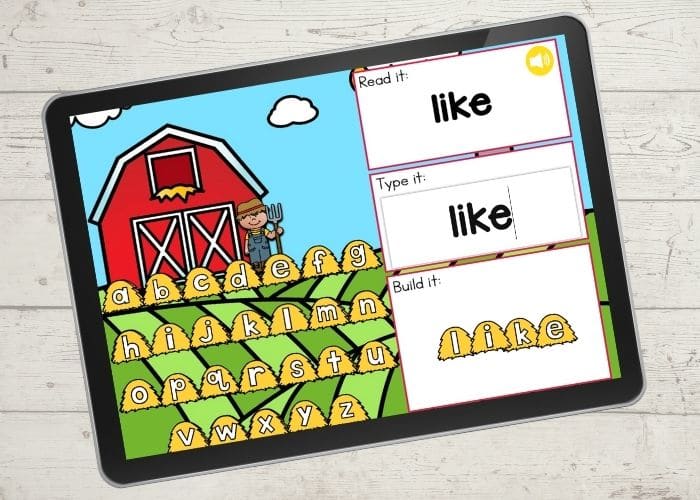
- For letter recognition practice, you can also have them identify the letters that they see in the word.
- Use the keyboard to type the word. Finding and pressing the keys is good practice for hand/eye coordination.
- Finally, drag and drop the haystacks into the box to build the word.
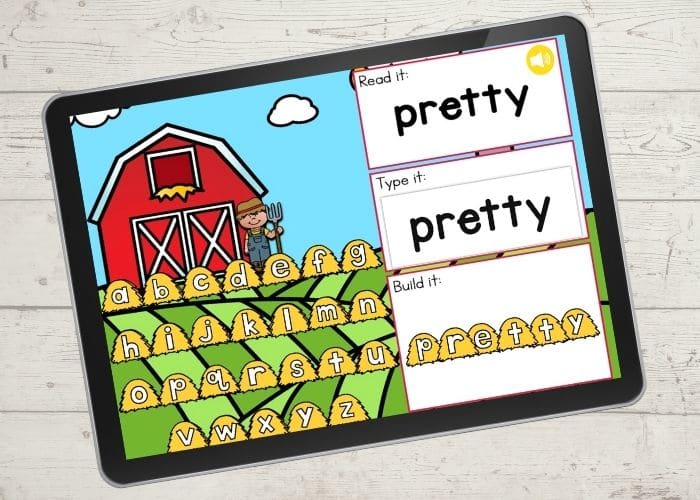
Continue on to another sight word slide for more practice!
Other Ways to Use This Farm Sight Word Activity for Kindergarten
Want to extend the learning beyond the screen? Here are some fun, hands-on ways to reinforce farm sight words:
- Build the Words: After completing the digital activity, have students build the word with magnet letters, foam letters, stamps, or stickers!
- Write It Out: Keep a dry erase board handy for writing practice. If needed, write the word first and let them trace it.
- Sight Word Hunt: Grab your favorite 🚜 farm-themed books and challenge students to find the Dolch sight words as they read!
- Use in a Sentence: Encourage students to say the word in a sentence—bonus points if they make it farm-themed! (Example: “The pig is in the mud.”) 🐷
- Keyboard Practice: Have students type the word on a keyboard for extra hand-eye coordination practice.

Join the I Teach Too Newsletter and Get Your Activity





Love it