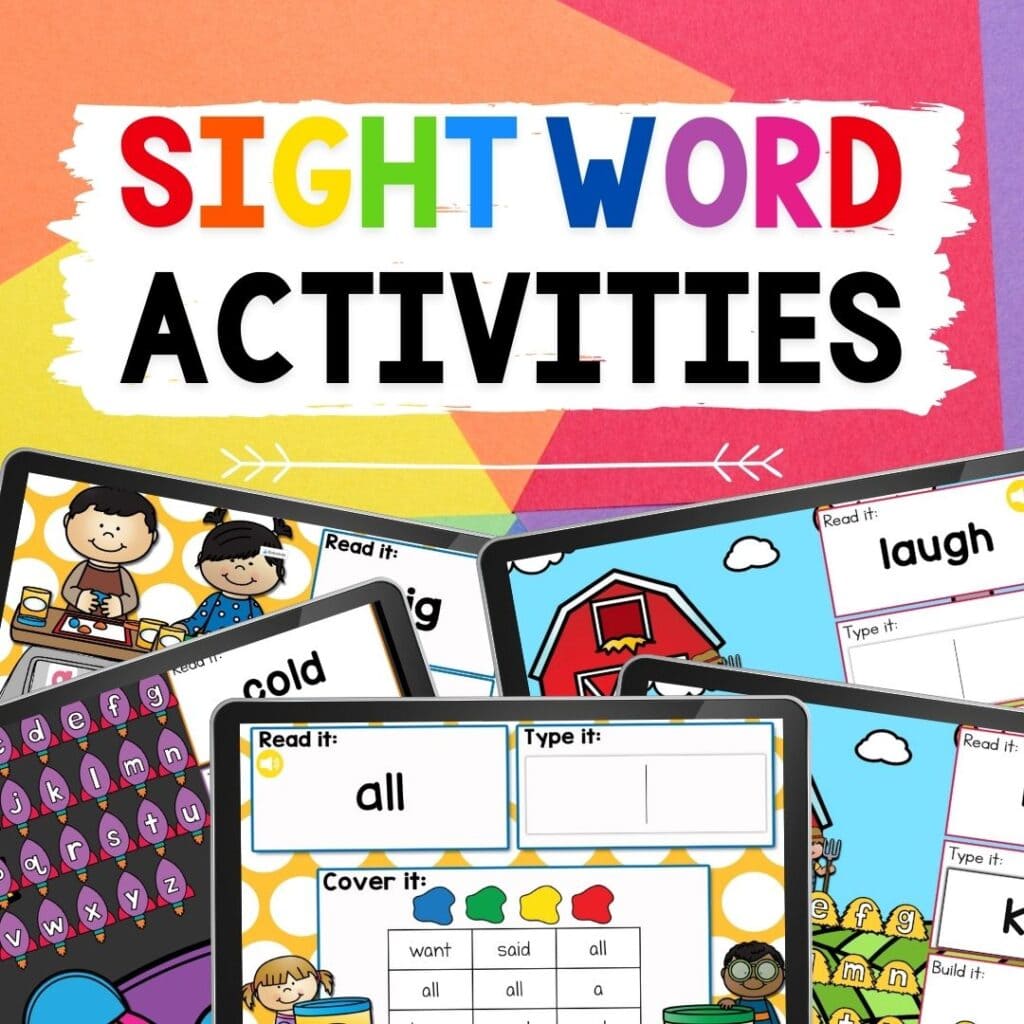
Digital Farm Theme First Grade Sight Words Activity
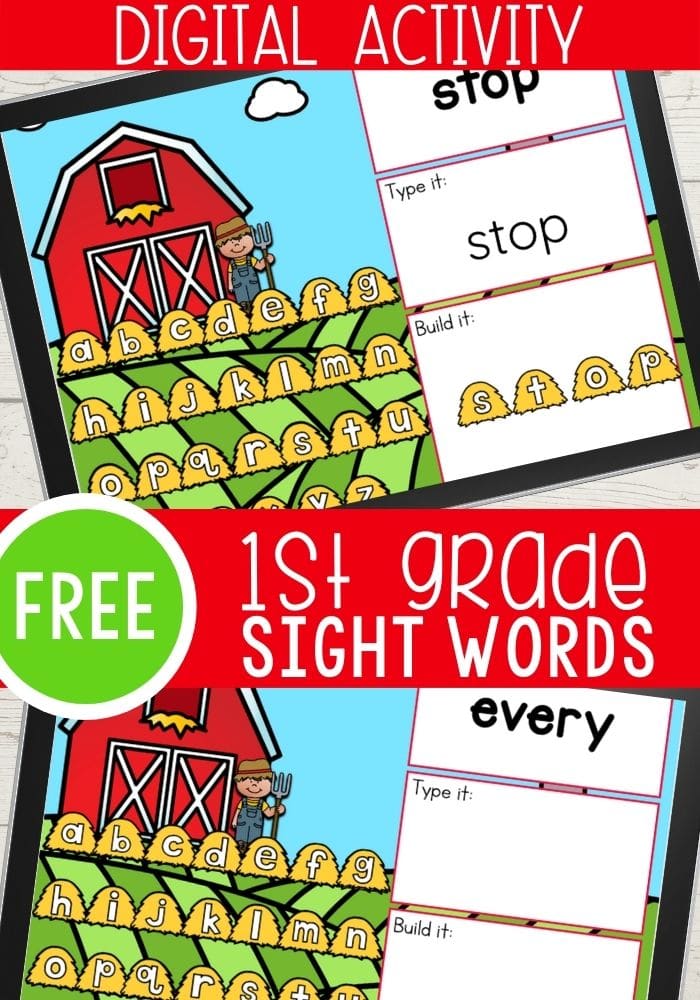
One way we can set our children up for success as they learn to read is by practicing sight words with them. This Digital Farm Theme First Grade Sight Words Activity is an interactive way for children to practice reading, typing, and building sight words. This activity is a fun and easy way to incorporate sight word practice into your farm unit!
Recommended Grade Level:


This sight word farm activity for first grade can be used as independent practice, a small group activity, or whole group instruction. Since it is a digital activity it is perfect for in person or distance learning.
What Are Sight Words?
Sight words are high frequency words that appear in many grade level texts. By learning sight words, children can increase their fluency and build their confidence in reading!
Sight words help with fluency because children can automatically read the word and not have to stop and use their phonics skills to decode it.
There are a few different sight word lists out there. Dolch words lists are one of the most popular.
First Grade Sight Word List:
- after, again, an, any, as, ask, by, could, every, fly, from, give, going, had, has, her, him, his, how, just, know, let, live, may, of, old, once, open, over, put, round, some, stop, take, thank, them, then, think, walk, were, when
How To Teach Sight Words In First Grade:
- Write words on flash cards and keep them handy for anytime you have extra time and need a filler activity.
- Create a sight word wall.
- Play first grade interactive sight word games.
- Engage your child in hands on activities that help to practice sight words.
- Trace sight words using shaving cream, a salt writing tray, or in a shallow sensory bin filled with rice or corn.
How To Use This Sight Word Activity For First Grade:
How to Get the Activity
- Enter your email below and then check your inbox to get the activity.
- When you open the file you can click on the format that you prefer to use: Google Slides®, Seesaw® or upgrade to self-checking Boom Cards®.
- If you are downloading the Google Slides version you will be prompted to “Make a copy”. This is an important step you need to complete to make sure you get an editable version to share with your students!
- In Slides, make sure you are in “Edit” mode, as opposed to “Present” mode. You will see the “Present” button in the upper right-hand corner.
- In Slides, just click on the symbol box to highlight it in blue and drag it when the cursor resembles a plus sign with an arrow on each end.
- If you choose the Seesaw version, click the Seesaw image to instantly add it to your Seesaw library.
- Use the Text tool (click on the large T) to be able to highlight each symbol to move it.
- To upgrade to self-checking Boom Cards®, click on the image in the download PDF to purchase the deck to use with your students.
- Or check out the Apple Counting Self-Checking Boom Cards® here!
- Finally, if you choose self-correcting Boom Cards, remember you must be connected to the Internet in order for the cards to work.
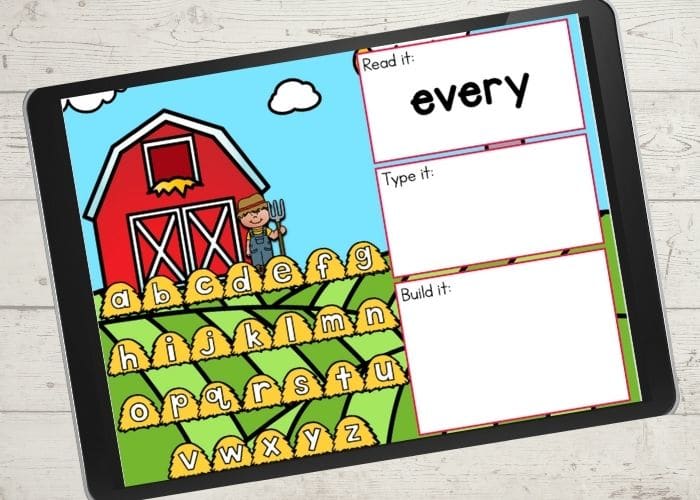
Open the slide for the first grade dolch sight word you want to practice.
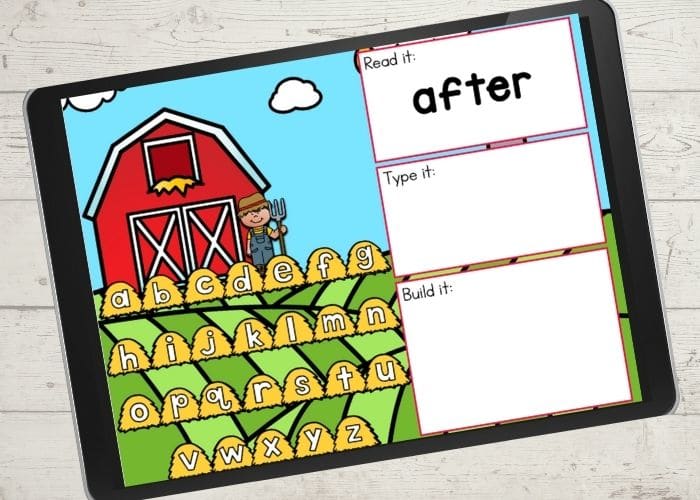
Have your child read the sight word aloud, or read it to them. You can also have them name the letters that they see in the word.
Use the keyboard to type the word. Finding and pressing the keys is great practice for hand/eye coordination.
Finally, drag and drop the haystacks into the box to build the word.
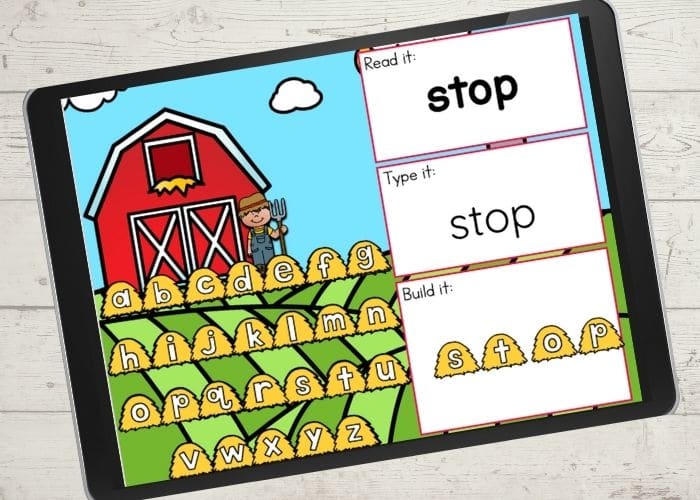
Continue on to another sight word slide for more practice.
Other Ways To Use This Activity:
- Practice reading and writing sight words by providing paper and crayons or a white board and marker to your child so they can write the word after they practice with the online game.
- Use magnetic or foam letters to practice building the word in a hands on way after building it on the digital activity.
- Keep some emergent readers, or other basic leveled readers handy and search for the sight word in the books after you have practiced it.
- Read the words using funny voices. Say the word in a whisper voice, sing it, or say it in an animal voice to practice reading them!

Join the I Teach Too Newsletter and Get Your Activity