Digital Farm Theme Preschool Activity for Identifying Shapes
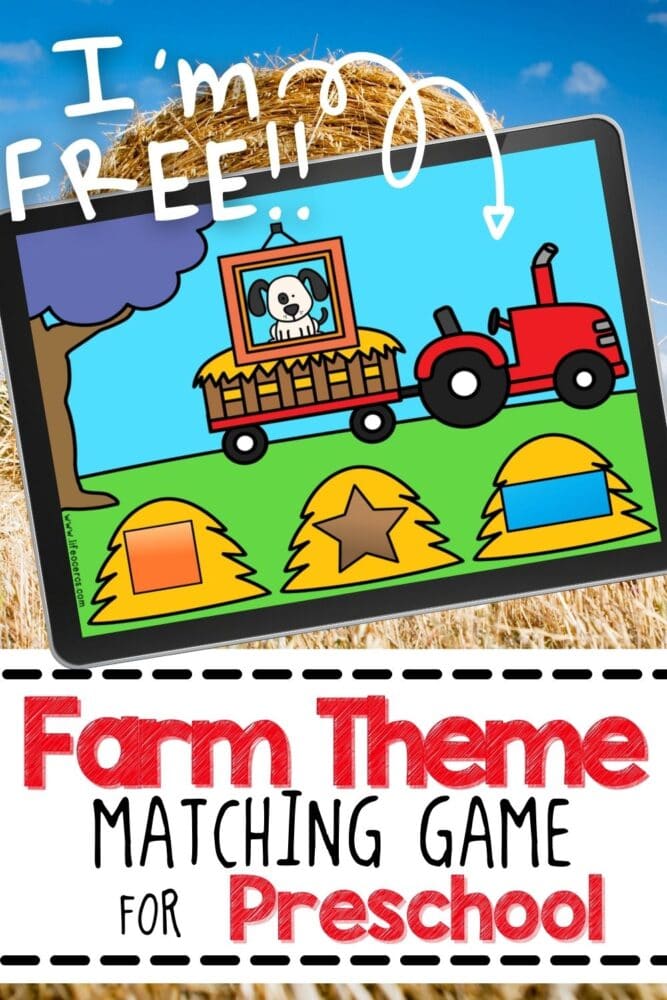
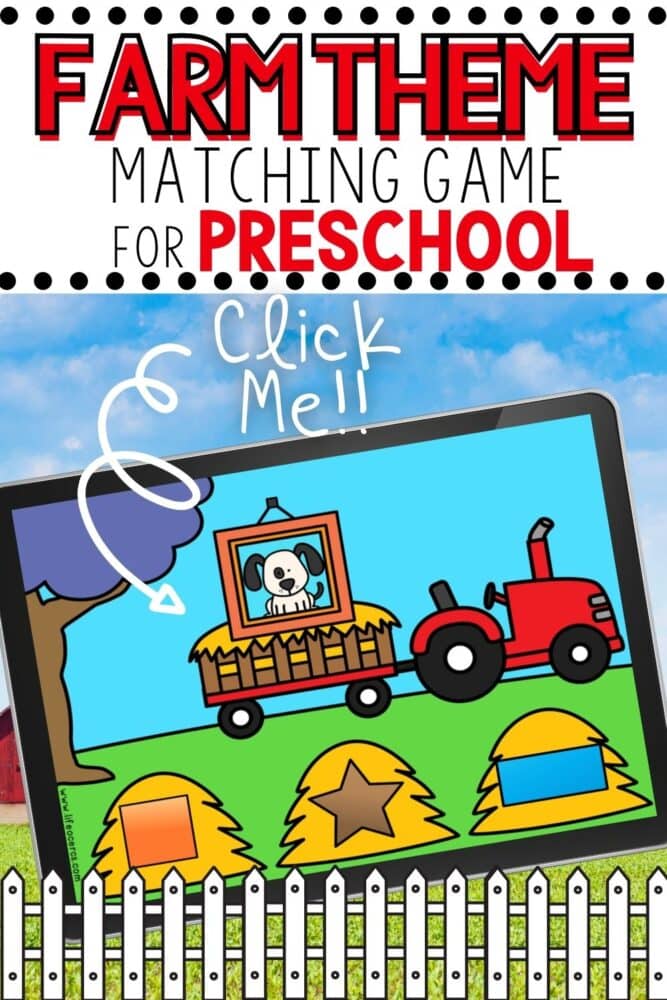
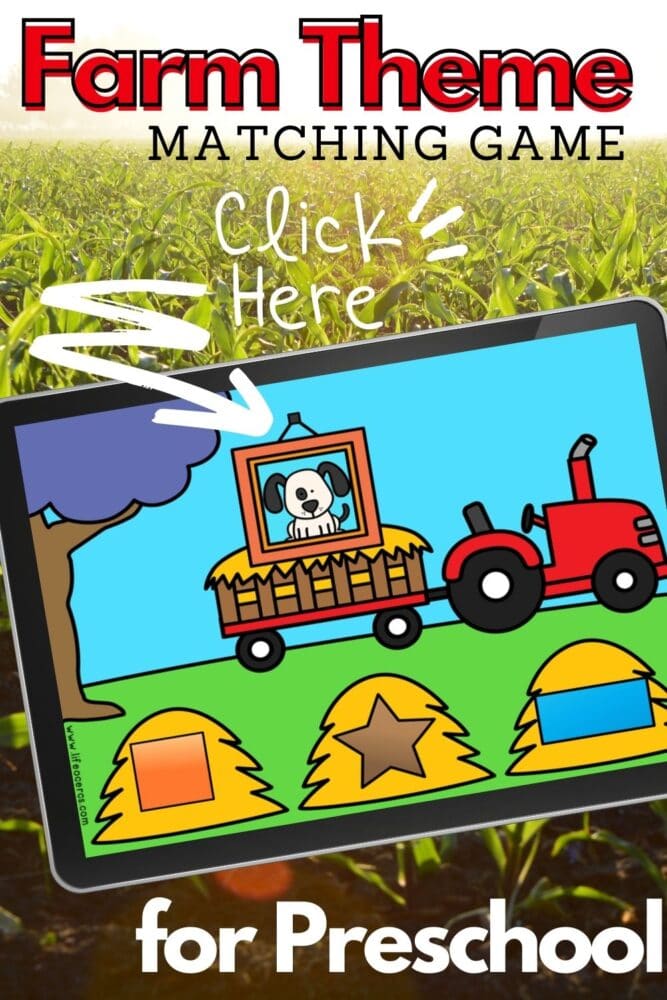
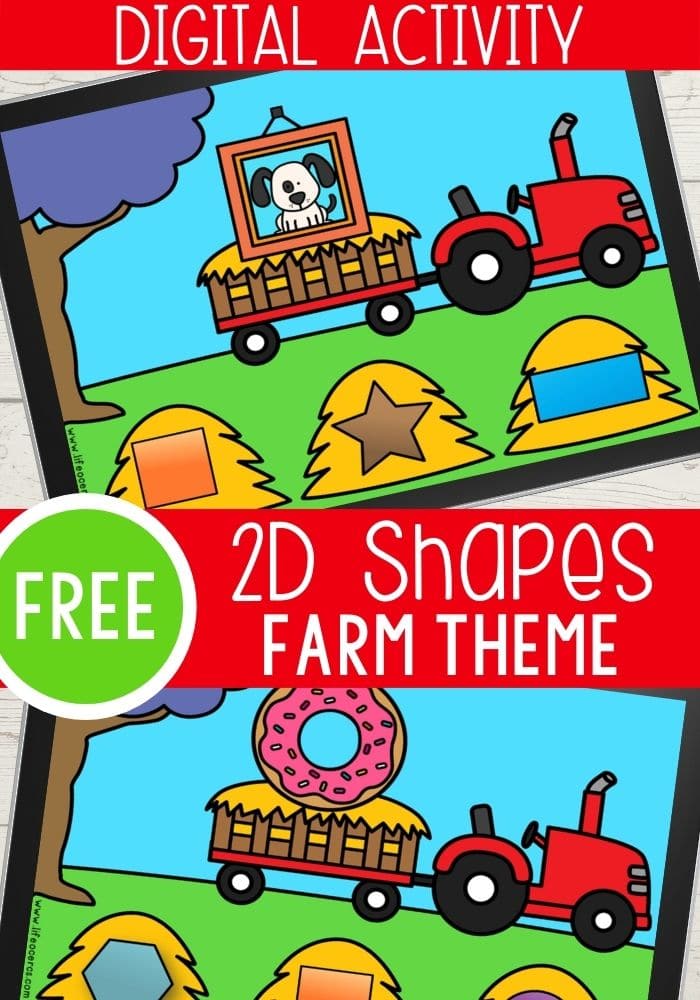
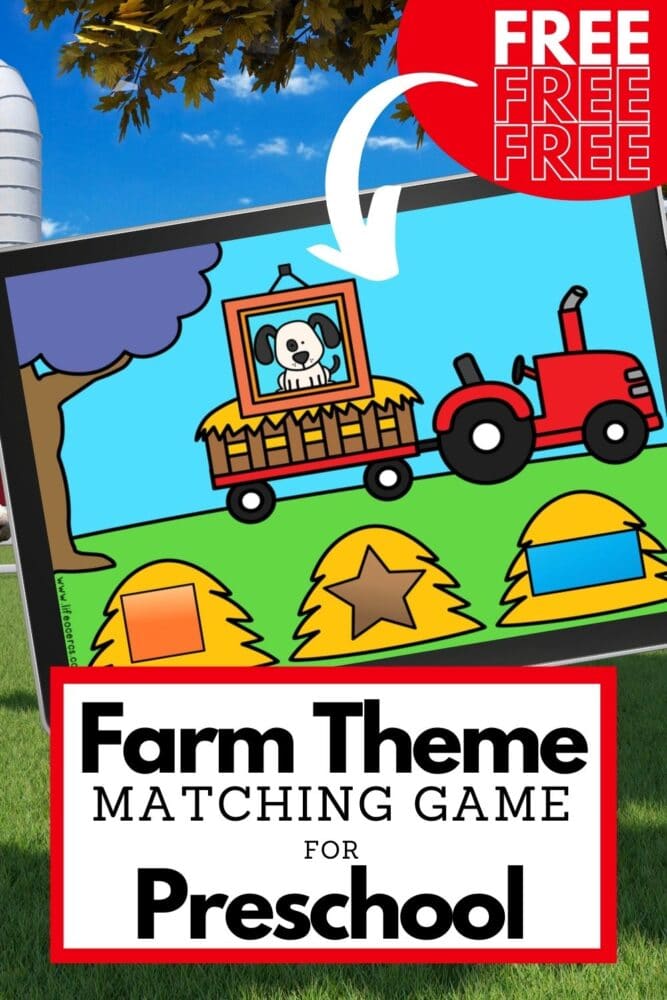
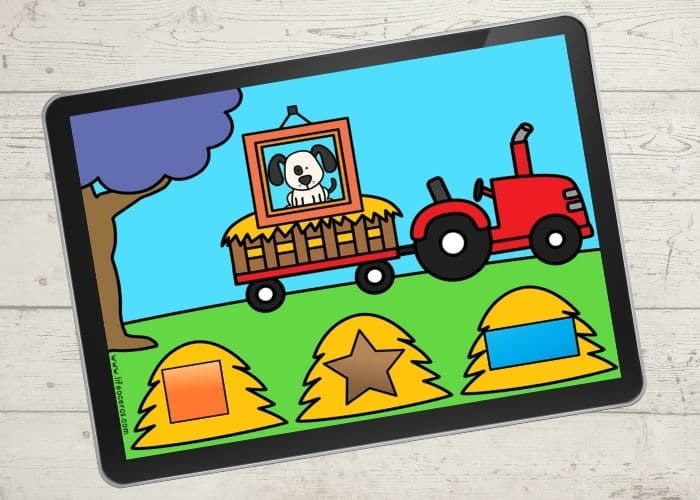
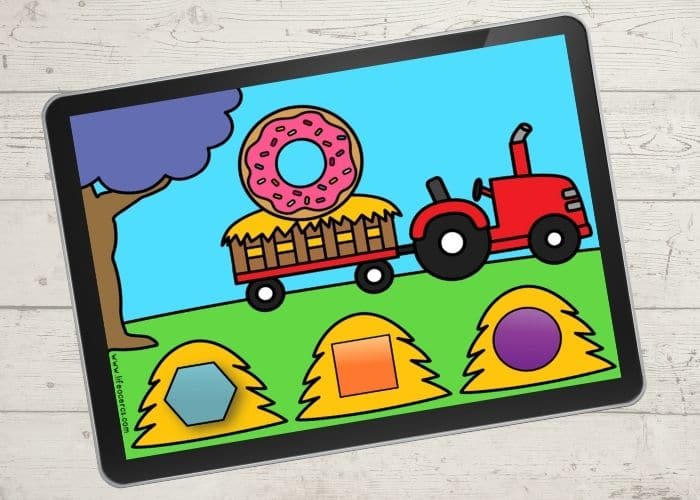
Old McDonald had a farm, and on his farm he had some shapes! Well, at least that’s what he has on his farm in this Digital Farm Theme Preschool Activity for Identifying Shapes! Children will love practicing shape identification and matching shapes with this fun farm themed shape activity for preschoolers.
Recommended Grade Level:


This activity is a great way to engage your child in meaningful, real world practice matching shapes for pre-k learners.
It is also a perfect math activity to go along with any farm themed unit!
What Does My Child Need To Learn About Shapes?
When it comes to learning shapes for kids, there are a few different things you can work on with your child!
- identifying basic 2d and 3d shapes (circle, triangle, square, rectangle, oval, star, etc.)
- observing how many sides shapes have
- comparing shapes
- finding real life objects that match shapes
- talking about shapes during free play and dramatic play activities
How To Teach Shapes:
Whether you are a Pre-K teacher, Kindergarten teacher, or home school parent, you may be wondering how to incorporate shape learning into your lesson plans.
Hands on, active activities that allow your child to get involved in the learning are a wonderful way to teach shapes.
Here are some fun ideas for creating hands on learning experiences that will help your child learn shapes!
- Discover shapes using pattern block activities. Children will love building different pictures using the blocks that are different shapes.
- Play shape matching games like this fun fruit themed one!
- Explore shapes during sensory play! Shape sensory bags and bins are both great options for this.
- Use play dough mats to teach shapes.
- Look for shapes in the illustrations of the books you are reading with your child.
Mouse Shapes My First Shapes with Frank Lloyd WrightBulldozer’s Shapes: Goodnight, Goodnight, Construction Site (Kids Construction Books, Goodnight Books for Toddlers) (Goodnight, Goodnight, Construction Site (Series))Paris: A Book of Shapes (Hello, World)Tangled: A Story About ShapesSnippets: A story about paper shapesShape by Shape
How to Get the Activity
- Enter your email below and then check your inbox to get the activity.
- When you open the file you can click on the format that you prefer to use: Google Slides®, Seesaw® or upgrade to self-checking Boom Cards®.
- If you are downloading the Google Slides version you will be prompted to “Make a copy”. This is an important step you need to complete to make sure you get an editable version to share with your students!
- In Slides, make sure you are in “Edit” mode, as opposed to “Present” mode. You will see the “Present” button in the upper right-hand corner.
- In Slides, just click on the symbol box to highlight it in blue and drag it when the cursor resembles a plus sign with an arrow on each end.
- If you choose the Seesaw version, click the Seesaw image to instantly add it to your Seesaw library.
- Use the Text tool (click on the large T) to be able to highlight each symbol to move it.
- To upgrade to self-checking Boom Cards®, click on the image in the download PDF to purchase the deck to use with your students.
- Or check out the Apple Counting Self-Checking Boom Cards® here!
- Finally, if you choose self-correcting Boom Cards, remember you must be connected to the Internet in order for the cards to work.
Other Ways To Use This Shape Activity For Kids:
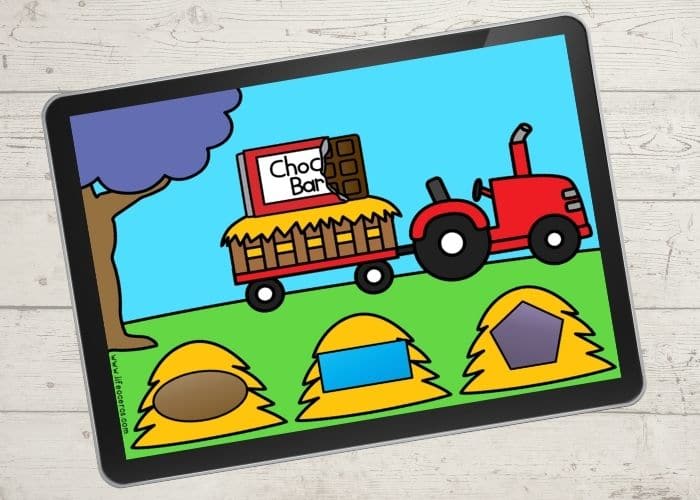
- Find other real world objects that are the same shape as the one on the computer screen. Look around your house, classroom, or outside.
- Match the shape on the screen to a shape vocabulary card (you can easily make these by writing the shape names onto index cards).
- Your child can trace the outline of the shapes using their finger, a pointer, or the computer mouse.
- Count the sides that the shape has. Ask your child if they notice anything else special about the shape.
- Combine learning of shapes and colors. Talk about the colors of the shapes as you are practicing your shape identification.
- Talk to your child about the images on the slides! This is great for vocabulary development and working on speech. What do they see? What other shapes are on the slide? What is the object they are matching to the shape?

Join the I Teach Too Newsletter and Get Your Activity




Hi Kim
I love your resources – so visual and engaging however I prefer the hardcopies as I move from space to space and find they offer more for discussion and interaction socially.
Any opportunity that some of your new digital resources can also be printable copies?
Kind regards – Karen
Hi Karen, I Teach Too focuses on digital resources, but Life Over C’s focuses on printable and hands-on, interactive activities. I will continue to share printable activities there. And some of the digital resources that I share on I Teach Too also have a printable option when it fits the activity. Hope that helps!
Kim
Thank You
thank you