Easy Apple Counting to 20 Digital Activity for Kids
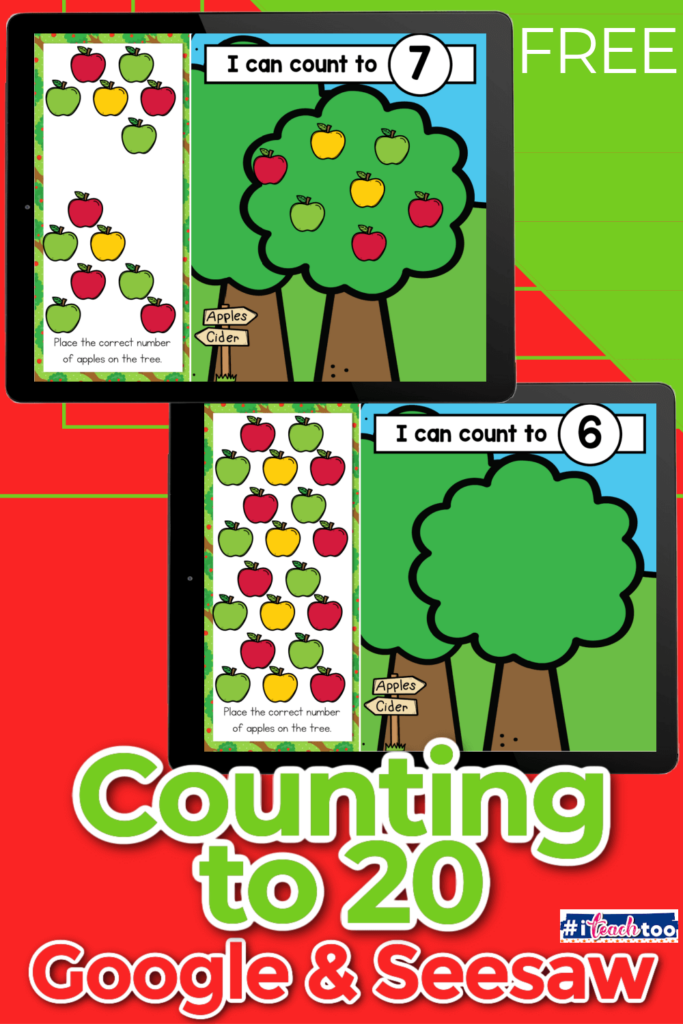
When you’re teaching little learners to count to 20, you need more than just a number chart and a stack of flashcards (seriously, how fast do those disappear under the bookshelf?!). You need something that’s easy to prep, fun for the kids, and still hits those core math skills. That’s exactly why I love this Apple Counting to 20 Digital Activity—and I think you will too!
Whether you’re in the classroom or teaching virtually, this interactive counting game works beautifully on Seesaw or Google Slides. And the best part? This apple counting to 20 digital activity is themed around juicy red apples, so it’s absolutely perfect for fall 🍂—but honestly, I’d use it any time of year because apples are always a hit with my kiddos.
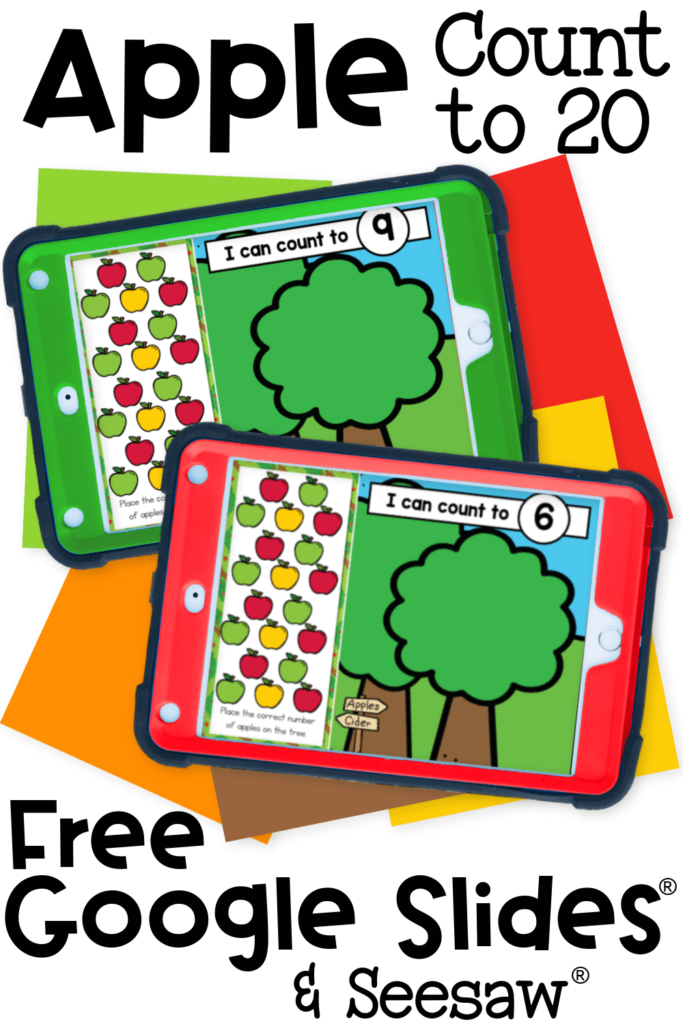
Recommended Grade Level:


What’s Included in the Apple Counting to 20 Digital Activity?
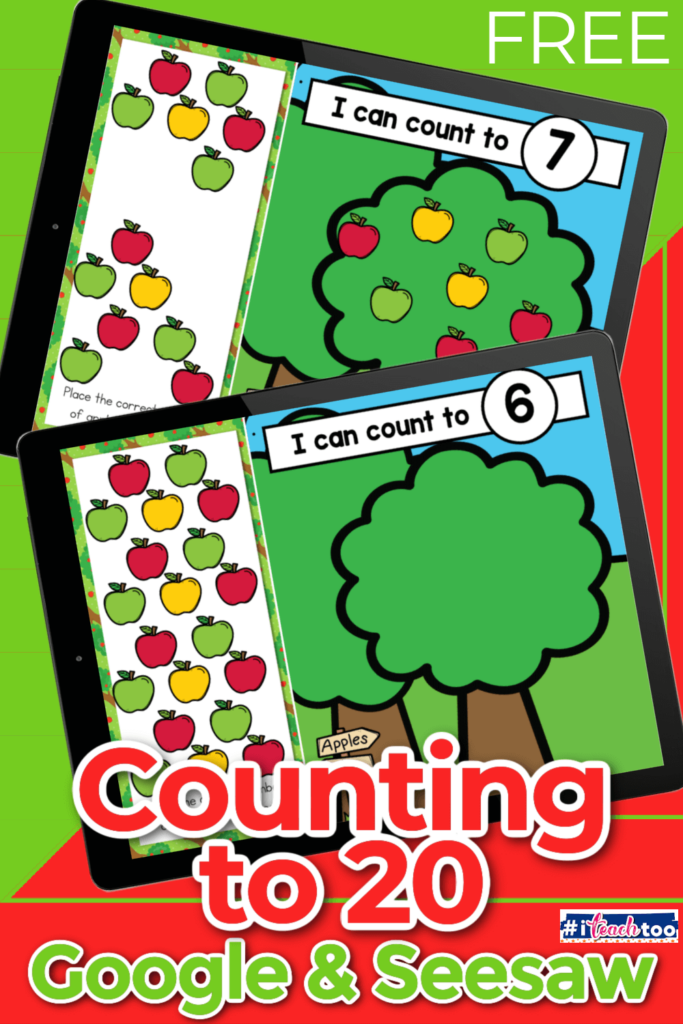
This isn’t your average “click the right number” worksheet. This apple counting to 20 digital activity for Google Slides and Seesaw invites kids to interact with each number in a playful, hands-on way—without needing physical manipulatives that get lost under the couch (been there!!).
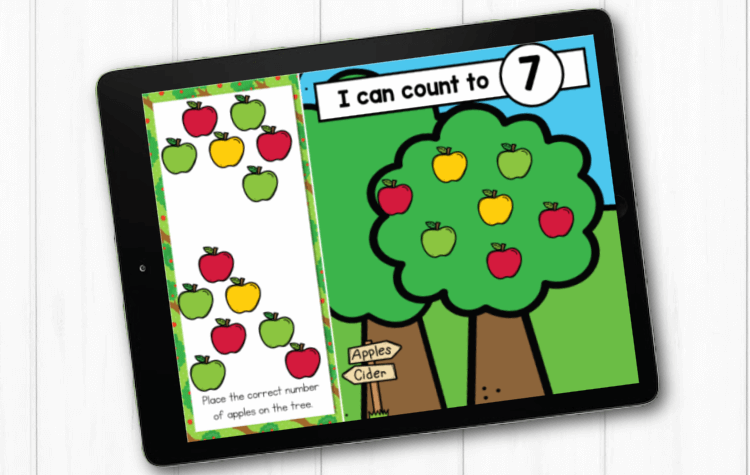
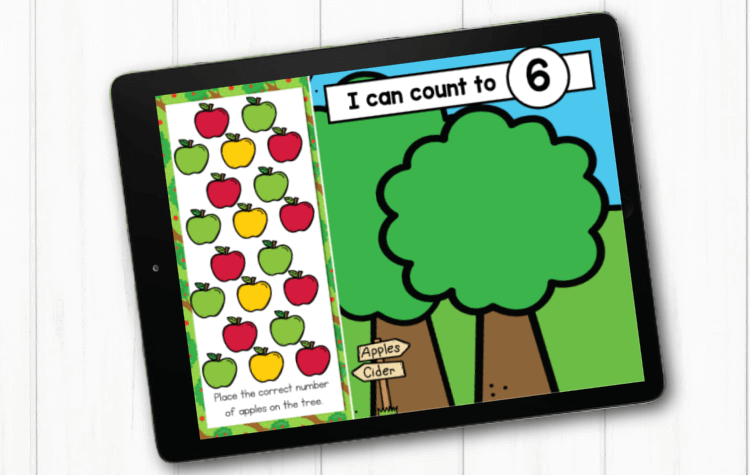
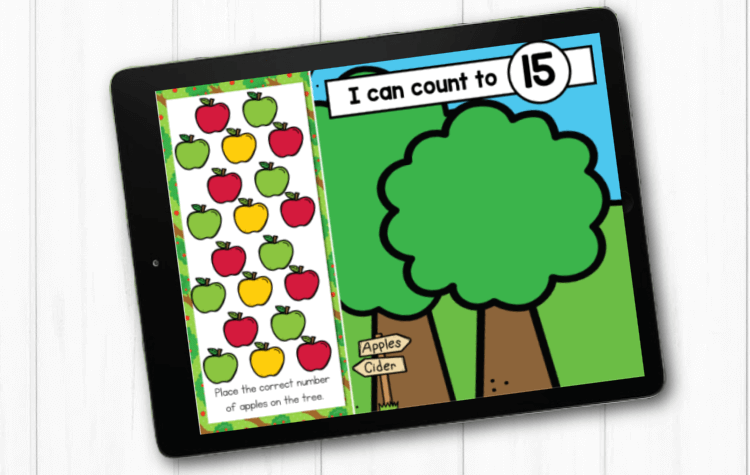
Each digital slide shows a big apple tree and a number. Kids then drag the matching number of apples onto the tree using their mouse or finger. Simple, visual, and perfect for helping children actually understand what numbers mean—not just memorize them.
Here’s exactly what you get:
- ✅ 20 slides—one for each number from 1 to 20
- 🍎 An illustrated apple tree on each slide
- 🍎 A group of moveable apple pieces that students drag and drop
- 💻 Two digital versions: Google Slides and Seesaw
💡 If you’re new to digital activities:
- Google Slides works great on Chromebooks, tablets and most laptops. Just share the file with your students or child through Google Classroom or a shared Google account.
- Seesaw is an educational app that many schools already use. It’s super user-friendly and lets teachers assign activities right to their students’ digital folders. Parents can also use a free Seesaw account to access the activity at home.
No cutting, gluing, or losing apple counters under a table leg. 🙌 It’s all on-screen and reusable every single year.
Skill Focus (Let’s Talk Learning Goals!)
If you’re a parent trying to support your child at home or a teacher mapping out lesson plans, knowing the why behind an activity helps a ton. Here’s what your kids are working on as they play with this apple counting to 20 digital activity for Google Slides and Seesaw:
- One-to-One Correspondence – This means your child is learning to count each item one time and match it to a number. Super important for early math!
- Number Recognition (1–20) – Seeing the number and knowing what it is without counting from 1 every time.
- Counting with Accuracy – Kids have to count each apple carefully. If they drag too many or too few, it won’t match the number.
- Fine Motor Development – Dragging and dropping might seem easy to us, but it actually builds the tiny muscles in their fingers and hands!
- Following Directions – Whether it’s your voice, written directions, or modeling on a screen, kids are practicing how to listen, interpret, and act.
- Basic Tech Navigation – Using touchscreens, a trackpad, or mouse helps kids build confidence using technology—which is super helpful for school readiness and independence.
Even though it’s digital, it’s not just screen time. It’s real learning with purpose behind every click or swipe.
One of the goals in Kindergarten is to get our children excited about learning new concepts and establishing how we will use these concepts and ideas in our future education. Math can sometimes be an unpopular subject with students. Try providing our little learners with ways to ‘play’ with math, touch, manipulate and visualize different math concepts by using real apples or apple manipulatives. Using this fun apple counting to 20 digital activity for Google Slides® and Seesaw® is a great way to get kids engaged.
Differentiation Tips (So Every Kiddo Can Succeed!)
Whether you’re working with a whole class of learners, one-on-one with a student, or with your child at home, the key to success is meeting them where they are. This apple counting to 20 digital activity is easy to adjust so it works for beginners and those who are ready to stretch their skills.
✅ For Beginners or Kids Who Need Extra Support:
- Start with just numbers 1–5 or 1–10. Don’t overwhelm them with too many!
- Sit with them and count out loud together as you drag each apple. (“One… two… three…”) This models the counting pattern.
- Add audio directions to the apple counting to 20 digital activity using Seesaw or screen recording software so non-readers can work independently.
- Pair them with a buddy or support person if they need help navigating the screen.
🚀 For Kids Ready to Be Challenged:
- Ask them to say or write the number before dragging the apples.
- Let them figure out how many more they need to reach 10 or 20 after placing some apples (“You added 7—how many more to get to 10?”).
- Use a blank slide and let them choose a number to build with apples—open-ended and creative!
- Add a simple recording box in Seesaw or Google Slides where they can explain their thinking.
Digital doesn’t have to mean cookie-cutter. This apple counting to 20 digital activity can flex with your learners’ needs!
After You Finish the Counting Activity
Here are some more digital activities to add to your collection when you are finished with the apple counting to 20 digital activity.
How to Get the Activity
- Enter your email below and then check your inbox to get the apple counting to 20 digital activity.
- When you open the file you can click on the format that you prefer to use: Google Slides®, Seesaw® or upgrade to self-checking Boom Cards®.
- If you are downloading the Google Slides version you will be prompted to “Make a copy”. This is an important step you need to complete to make sure you get an editable version to share with your students!
- In Slides, make sure you are in “Edit” mode, as opposed to “Present” mode. You will see the “Present” button in the upper right-hand corner.
- In Slides, just click on the symbol box to highlight it in blue and drag it when the cursor resembles a plus sign with an arrow on each end.
- If you choose the Seesaw version, click the Seesaw image to instantly add it to your Seesaw library.
- Use the Text tool (click on the large T) to be able to highlight each symbol to move it.
- To upgrade to self-checking Boom Cards®, click on the image in the download PDF to purchase the deck to use with your students.
- Or check out the Apple Counting Self-Checking Boom Cards® here!
- Finally, if you choose self-correcting Boom Cards, remember you must be connected to the Internet in order for the cards to work.
Have Fun with Apple Counting Songs!
10 Apples on My Head by Super Simple Songs
Five Red Apples by The Kiboomers
Extension Ideas (Bring It Off the Screen!)
Want to keep the fun going after the screen turns off? These apple-themed extension activities are perfect for giving your students extra practice in hands-on, screen-free ways.
🍏 Apple Sensory Bin
Want a screen-free way to reinforce counting, fine motor skills, and sensory exploration all at once? This Apple Sensory Bin from Life Over C’s is one of my all-time favorites!
Fill a large bin with dyed rice (or shredded paper if you’re avoiding dyes), then add pom poms or apple mini erasers as the “apples.” Add number cards or apple number manipulatives, and let the kids dig, scoop, and count!
Here’s what makes it extra fun:
- Use tweezers or spoons for an added fine motor challenge
- Practice number recognition by having kids “pick” the right number of apples to match the card
- Let them sort by color, size, or number for bonus math and logic skills
It’s hands-on, calming, and full of play-based learning. Plus, the rice feels amazing and keeps kids engaged for way longer than you’d expect. Perfect for center time, quiet play, or a little after-school learning fun.
🍏 Pom Pom Apple Tree
Print or draw a tree, give your kids tweezers and red pom poms, and have them count out the apples. It’s like a game and a fine motor workout rolled into one.
🍏 Play Dough Apples
Roll little red play dough balls to match a number card. Bonus: squishing play dough is great for hand strength and calming sensory input.
🍏 Apple Sticker Tree
Print a blank apple tree and give your child a sheet of apple stickers. Ask them to add the correct number of apples. No mess, and stickers are always a crowd-pleaser!
Each of these is low-prep, low-cost, and adds a multisensory layer that boosts learning even more. 💕
Our Favorite Apple Theme Books:
We can’t live without these!
Thematic Book Pairings (Books Make Everything Better!)
Whether you’re a classroom teacher planning a whole apple theme or a parent snuggling up for storytime, these books are the perfect tie-in:
As an Amazon Associate I earn from qualifying purchases.
📚 Ten Red Apples by Pat Hutchins – Fun and repetitive with farm animals kids will love!
📚 Apple Countdown by Joan Holub – Great for counting backward and learning through a field trip story.
📚 Apples, Apples, Apples by Nancy Elizabeth Wallace – Includes science facts, diagrams, and apple-tasting!
📚 How Do Apples Grow? by Jill McDonald – A nonfiction book to tie in apple life cycles and science.
📝 Activity idea: After reading, have your child or students retell the story and “act it out” with apple manipulatives, drawings, or stickers.
Hello, World! How Do Apples Grow? The Mouse’s Apples: 1Applesauce DayApples and PumpkinsHow Do Apples Grow?Ten Red ApplesApples (New & Updated Edition)Apples for Everyone (Picture the Seasons)¡Diez manzanas en la cabeza! (Ten Apples Up on Top!How to Make an Apple Pie and See the WorldApples, Apples, ApplesAmelia Bedelia’s First Apple Pie
If you’re looking for a no-prep, no-fuss way to make math more fun, grab the Apple Counting to 20 activity today and get ready for some sweet learning!

Join the I Teach Too Newsletter and Get Your Activity
Already a subscriber? No worries. Just enter your email here to have the activity sent directly to your inbox.
More Fall Activities for Google Slides and Seesaw:
More Activities You’ll Love: